Why I Color Code My Environments
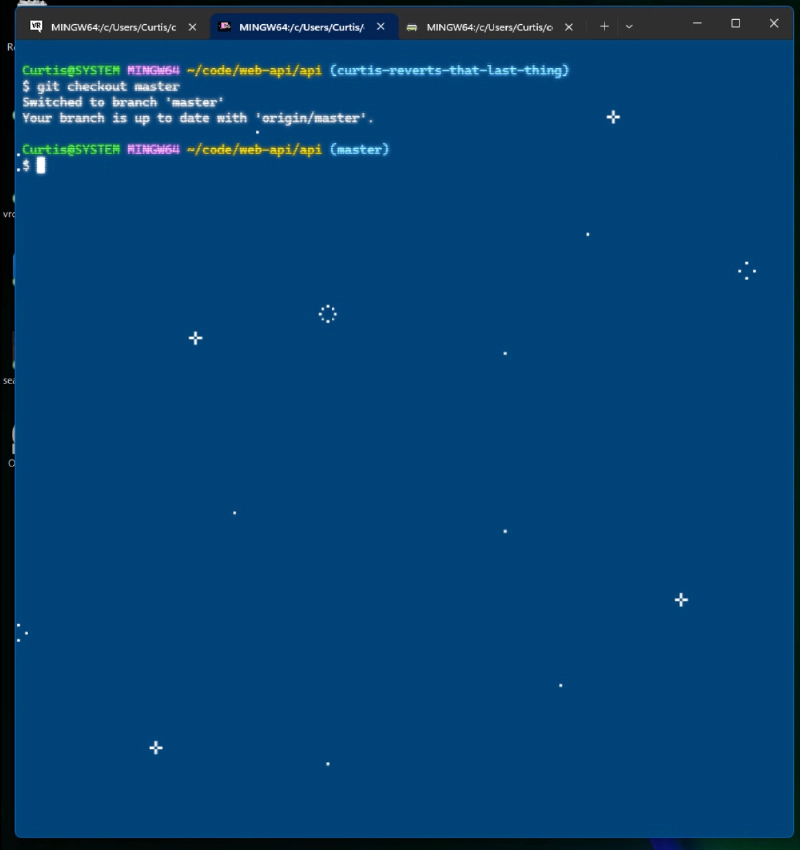
Here’s something weird!
I color-code my environments, and aggressively theme them as much as my tools will allow.
In Ubuntu, for example:


I’ve been doing this since Windows Terminal made it easy and fun to have a different theme for each environment I might want to have a theme for.
This isn’t just for funsies! I mean, it is fun, but it’s more important than that!
It’s an important safety and usability feature!
I’m sure we’ve all had too many different environments open and, say, accidentally made a change in a “production” tab that was meant for a “development” tab, or been frustrated working with a codebase or server only to discover that you’ve been working on a tab for a different server entirely.
Well, what if your production server used an unpleasantly garish light-mode theme? That would certainly provide an extra context clue that you should step lightly, here.
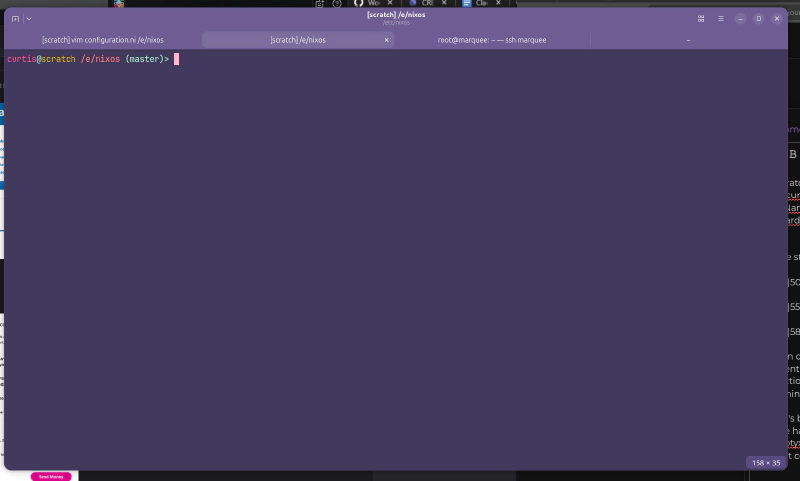
Ubuntu’s brand new ptyxis is not quite as polished as Windows Terminal, (Gnome has actually had one of the worst terminals in the game for a long time, ptyxis is at least a big step in the right direction) - but I can define different color profiles for different environments at least:
So Scratch is purple:
And Sovereign is green:
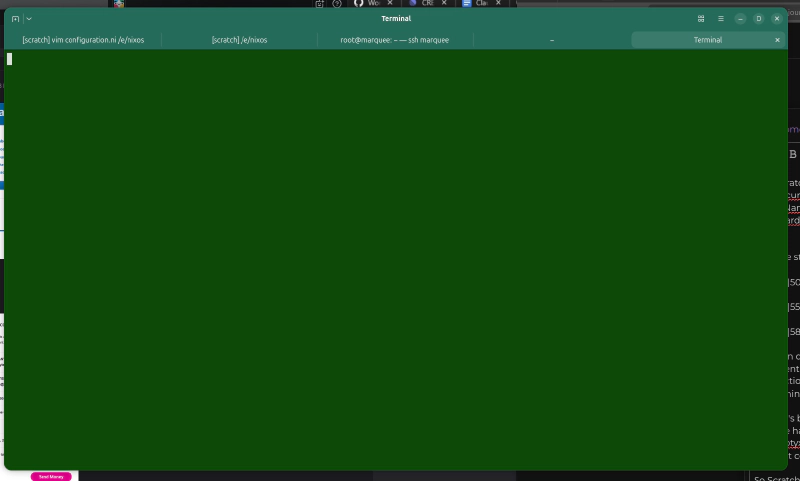
although it doesn’t quite match my gorgeous work layout, where our test-suite is rendered in gorgeous Nyan because the first-ever test runner we installed was mocha nyan:
Windows Terminal is still the best in the business.